A music video for your song, starring the artist
Upload your track and a photo of the artist, then pick a vibe: gritty, dreamy, neon or live show. Your AI agent shoots performance shots of the artist and cuts a 20-second video to your song.
Try Music Video for Your Song free: no sign-up to start. You chat with Emma, your AI agent, while she works, and the results appear on the page.
You finished the song. Now every platform wants video. This page makes a music video for your song from two things you already have: the track and a photo of the artist. Load the song, pin up the photo, pick a vibe, and Emma, your SuperCool AI agent, makes a 20-second music video of the artist performing, cut to your own track.
Emma finds the song's strongest 20 seconds, usually the chorus, and measures the beat when she can. She creates performance shots of the artist from the photo in three framings, a close-up, a mid-shot and a wide, keeping their face and look recognizable, then animates them and cuts them to the music. Your song is the only sound. The finished video plays on a studio monitor on the page.
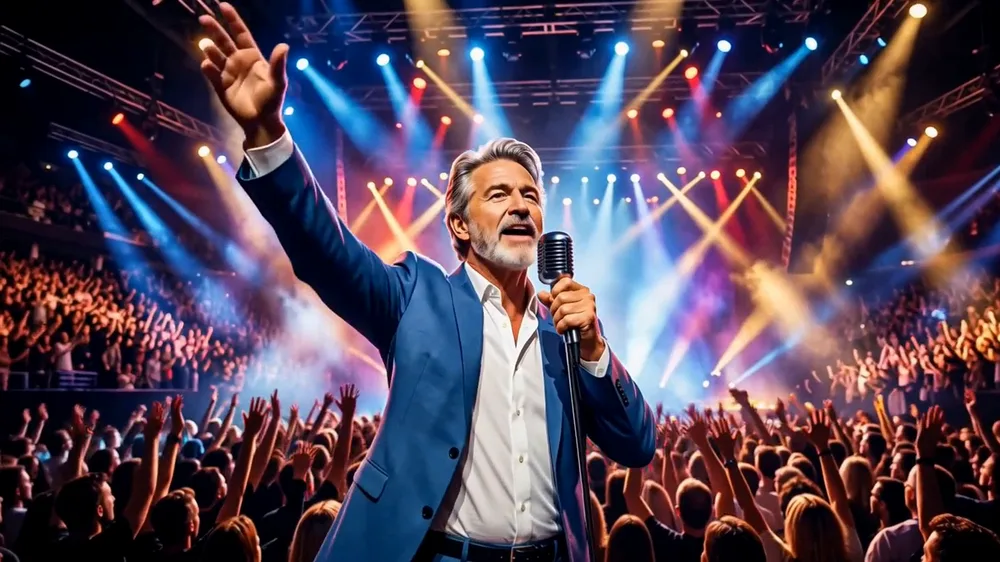
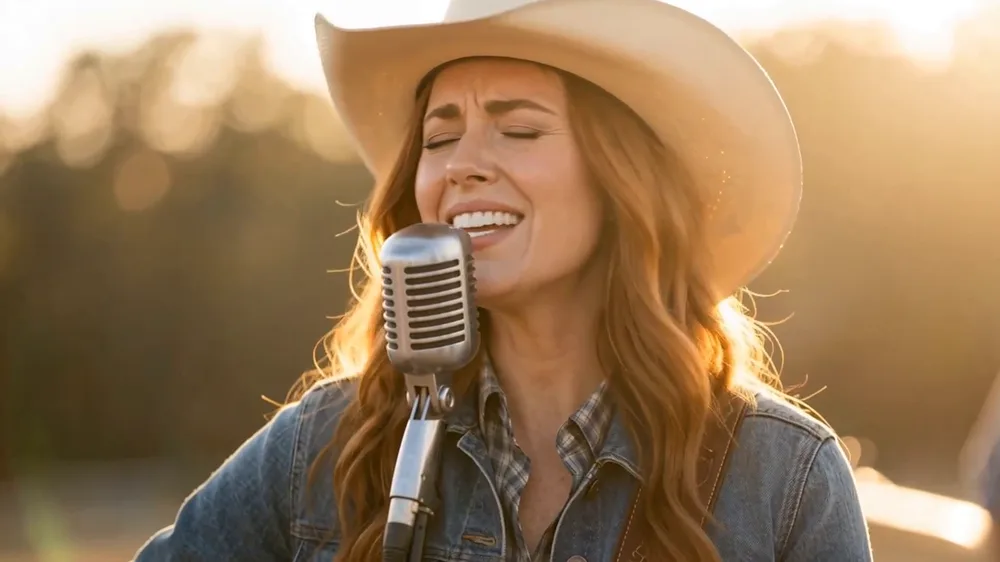
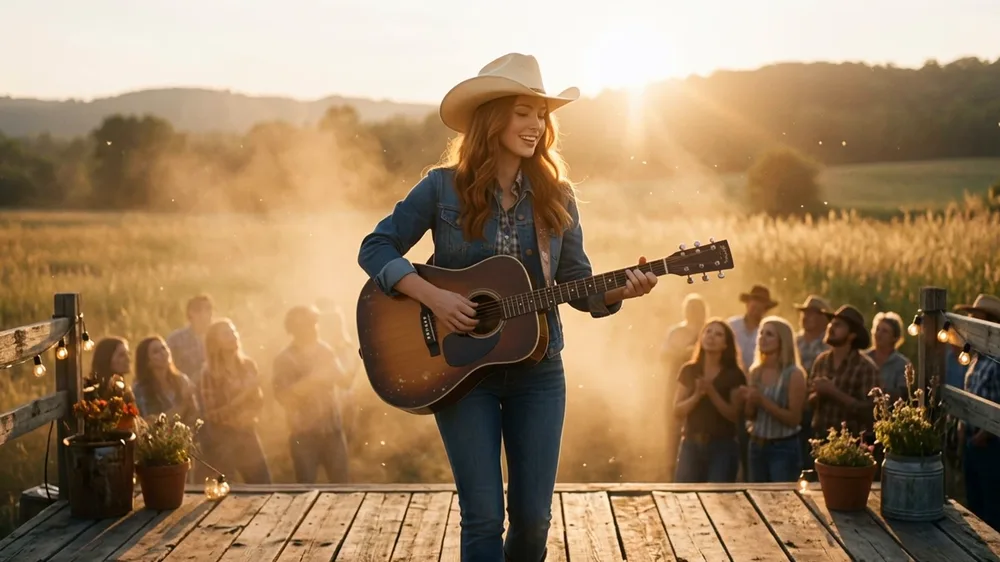
Real results
How it works
- Load your song. Drop the track into the tape slot on the console. MP3, WAV or M4A, up to 10 MB.
- Pin the artist's photo. Add a clear photo of the artist to the felt wall, then press a vibe: Gritty, Dreamy, Neon or Live show. When ON AIR lights up, press Roll camera.
- Chat about the song. While Emma works, tell her the song title, the artist's name and what it's about, and she passes the details along.
- Watch and download. The 20-second video lands on the page, set to your track and ready to post or share with the band.
What you get
- A 20-second music video set to your own track
- The artist performing, from one photo
- Cut on the song's beat, from its strongest section
- Four vibes: gritty, dreamy, neon or live show
Who it's for
- Independent artists. Singers and rappers who want a visual for a new release without a film crew.
- Bands. Groups who need a short clip to promote a single on social before the full video.
- Producers. Beatmakers who want to put a face and a mood to a collaboration.
- Hobby musicians. Bedroom recording artists who want to share a song as more than a still image.
- Managers and small labels. Teams who need quick teaser videos for several artists' releases.
Ideas to try
- My synth-pop single midnight_drive.mp3, a photo of me in a leather jacket, Neon
- Our garage rock demo, a photo of our singer on stage, Gritty
- A slow R&B track, a soft portrait of the artist by a window, Dreamy
- A country song for my dad's band, a photo of him with his guitar, Live show
- My bedroom-pop chorus as a WAV, a selfie in golden hour light, Dreamy
- A drill track, a photo of the rapper in a hoodie on a rooftop, Gritty
On your own or with Emma
| On your own | With Emma | |
|---|---|---|
| Shooting | Book a location, lights and a camera person, or film on a phone and hope. | Performance shots of the artist made from one photo. |
| Choosing the section | Scrub through the track to find the best 20 seconds. | Emma picks the most energetic stretch, usually the chorus. |
| Editing to the beat | Line up cuts by ear in an editing app. | When she can measure the tempo, she trims each shot to whole beats so the cuts land on time. |
| Look and feel | Grade the footage yourself to get a mood. | Four vibes: gritty warehouse light, soft hazy gold, neon-lit night or stage lights and a crowd. |
Tips for a better result
- Use a clear, well-lit photo where the artist's face is easy to see. It's the reference for every shot.
- If your WAV is over 10 MB, upload an MP3 version of the same track instead.
- Pick the vibe that matches the song's energy, not just the genre. A sad song can still be Neon.
- Tell Emma the song title and artist name so the result is labeled properly.
- If you want a different 20 seconds than the chorus, tell Emma in the chat.
Try it free
The free try makes a smaller version: cover art of the artist and one 5-second performance shot set to your song. The full 20-second music video uses credits on your account.
Questions
Is it free?
You can try it free. The free trial makes a smaller version: cover art of the artist and one 5-second performance shot set to your song. The full 20-second video uses credits on your account.
Whose song can I use?
Your own, or one you have the rights to. Upload an MP3, WAV or M4A up to 10 MB. Your agent picks the strongest 20 seconds, usually the chorus.
Will the artist really sing the words?
The shots show the artist performing in the vibe you pick, cut to the beat. Exact lip-sync to the vocals isn't part of the first cut; you can ask your agent for it after.
How do I make a music video for my song with AI?
Upload your track and a photo of the artist, then pick a vibe. Emma makes performance shots from the photo, animates them and cuts a 20-second video to your song's strongest section.
What audio files can I upload?
MP3, WAV or M4A, up to 10 MB.
Which part of my song does the video use?
The most energetic 20 seconds, usually the chorus, starting on a beat with a short fade-out. Ask Emma if you'd rather use a different part.
What shape is the video?
Widescreen 16:9 at 1920 x 1080. Ask Emma in the chat if you need a vertical version for short-form platforms.
Can I make a full-length music video?
This page makes a 20-second cut. After it lands, you can ask Emma about a longer cut or cover art.
Do I need a photo of a real person?
You need a photo of the artist. Only upload photos and songs you have the right to use, and get permission from anyone pictured.
Can I post the music video on social media?
You can use what Emma makes for your own projects. Check the rules of the platforms you post to.
More things your agent can do
- Lyric Video Maker: A lyric video for your song, timed to every word
- Album Cover Designer: Three album cover concepts from three words
- Song Lyric Rewriter: New lyrics in the shape of a song you love
- Personalized Birthday Song: A birthday song made just for them
- Business Jingle Maker: A catchy jingle for your business
- Audio Documentary Narrator: Get a documentary narration, mastered with music
- Song & Music Video Maker: An original song and its music video
- Invitation Designer: A beautiful invitation for your occasion, ready to print
SuperCool is an AI agent that does the work: research, videos, images, websites, documents and more.