Make a trailer for your book
Paste your blurb or first chapter, pick the mood and add your cover. Your AI agent writes the narration and cuts a short trailer with title cards and music.
Try Book Trailer Maker free: no sign-up to start. You chat with Emma, your AI agent, while she works, and the results appear on the page.
A book trailer gives readers a feel for your story before they open it. Paste your blurb or first chapter, add your cover if you have one and pick a mood. Emma, your SuperCool AI agent, writes a short narration from your own text and cuts a narrated trailer of about 20 seconds, with scenes in your cover's look, your tagline on screen and music to match.
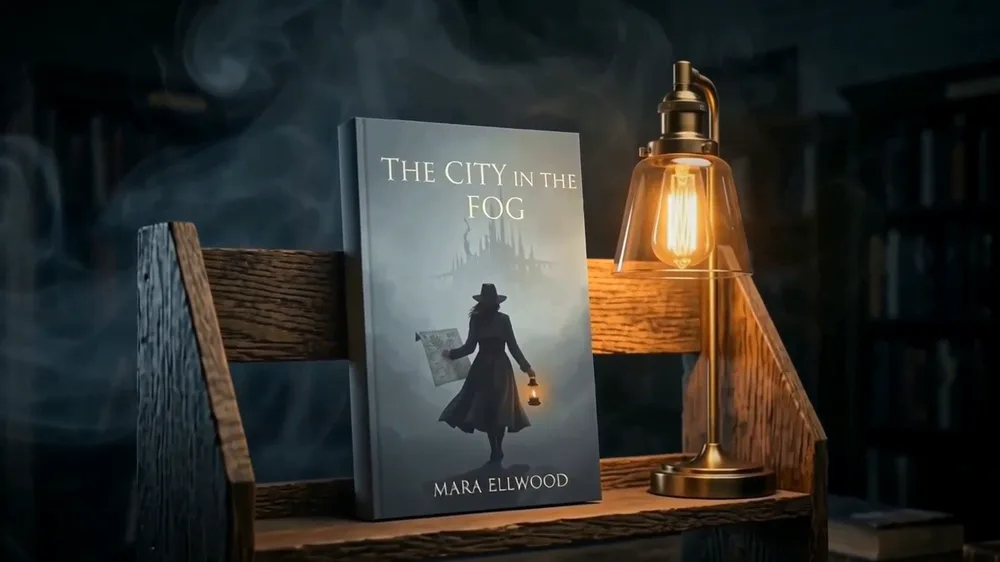
The trailer closes on your book standing in a lit bookstore window at night, its title readable. Alongside the video you get three pull quotes copied word for word from your text, plus a caption and hashtags to post with it. This AI book trailer maker suits a cozy mystery as well as an epic fantasy, a finished book or one on preorder.
Real results
How it works
- Put your cover on the stand. Tap or drop your cover image onto the bookstore stand. It's optional, but Emma matches the trailer's look to it.
- Paste the story and pick a mood. Paste your back-cover blurb or your whole first chapter on the staff pick card, then choose Romantic, Dark, Epic or Cozy.
- Cut my trailer, then chat. Press Cut my trailer. Emma may ask for the title, your author name and where you'll post. Answer in the chat and she uses it.
- Download and post. The trailer plays on the page. Download it, copy any pull quote, and grab the caption and hashtags.
What you get
- A narrated trailer of about 20 seconds
- Title cards with your book's name and tagline
- Three pull quotes from your own text
- A caption and hashtags to post it
Who it's for
- Indie authors. Launch a new release or a preorder with a trailer for your socials, website and newsletter.
- Traditionally published authors. Make your own promo for a launch, a paperback release or a book anniversary.
- Small presses. Give several titles on your list a trailer each without booking a video team.
- Serial fiction writers. Announce a new arc or season with a trailer and quotes from the opening chapter.
- Writers with a work in progress. Share the mood of a draft with your writing group or early readers.
Ideas to try
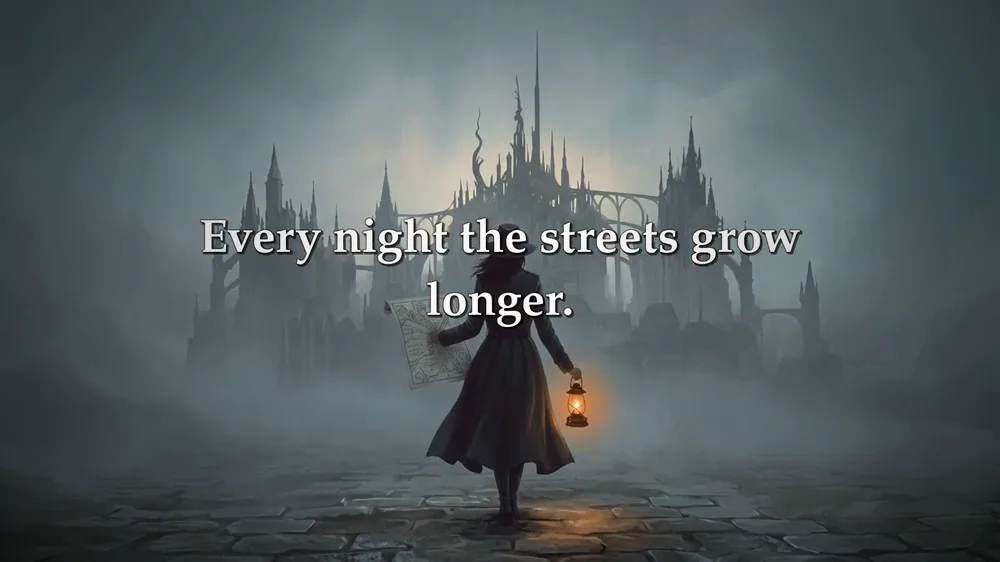
- Dark: When a disgraced cartographer finds a map of a city that does not exist, she follows it into the fog. Cover attached.
- Cozy: the first chapter of my village bakery mystery, where the scones go missing on the morning of the fair
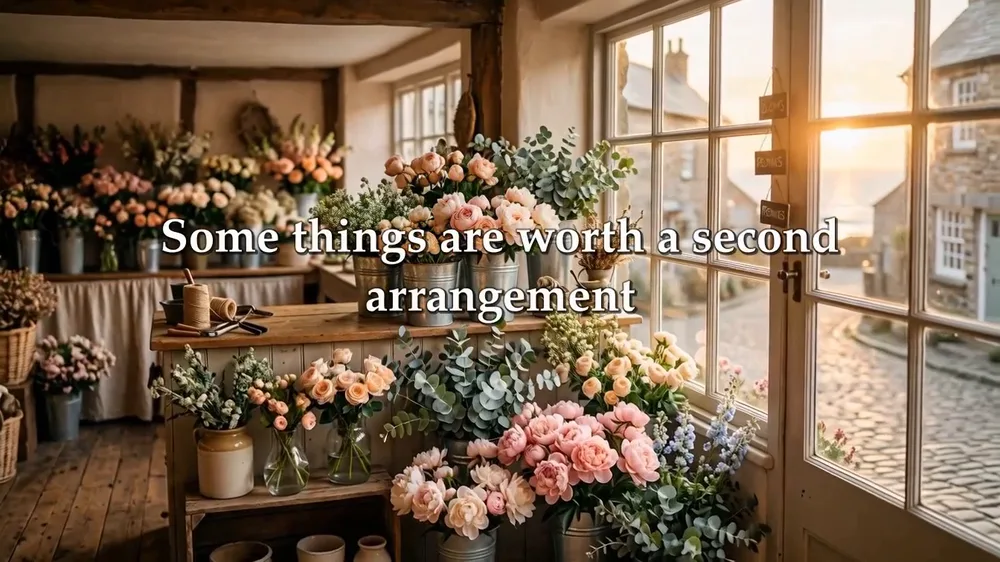
- Romantic: a second-chance romance between a wedding florist and the best man who stood her up ten years ago
- Epic: my fantasy blurb about twin heirs, one throne and a dragon that answers to neither
- Dark: the opening chapter of my psychological thriller set on a winter ferry, no cover yet
- Cozy: a picture-book blurb about a hedgehog who runs a lending library, cover attached
- Romantic: my historical romance blurb about a lighthouse keeper's daughter and a shipwrecked sailor in 1890s Maine
On your own or with Emma
| On your own | With Emma | |
|---|---|---|
| Script | Narration that sounds good read aloud takes several drafts. | Emma writes a 4 to 6 line narration drawn from your book. |
| Visuals | Stock footage that doesn't match your cover, or a hired editor. | Scenes made in your cover's look, ending on your book in a bookstore window. |
| Voice and music | Recording a voiceover and finding music you can use. | A narration voiced for your mood, over an instrumental bed. |
| Promo copy | Picking quotes and writing a caption at the last minute. | Three pull quotes word for word from your text, plus a caption and hashtags. |
Tips for a better result
- Paste a full chapter if you can. More text gives Emma better lines for the narration and the pull quotes.
- Add your cover so the scenes match its colors and style and the trailer closes on it.
- Pick the mood readers should feel. A thriller with a love story in it might still be Dark.
- Tell Emma the title and your author name in the chat if your text doesn't say them.
- Say where you'll post so she can shape the caption for it.
Try it free
The free try animates a 5-second title card from your cover (or designs one in your mood if you have no cover) and writes your tagline, three pull quotes and a caption. The narrated trailer with scenes and music comes with an account and credits.
Questions
Where do the pull quotes come from?
They're lines taken from the text you paste in, never invented reviews. Paste a chapter to give your agent more to choose from.
Do I need a cover?
No, but it helps: your agent matches the trailer's look to it and closes on it. Without one, it designs the look from your blurb and mood.
Is it free?
You can try it free: the free version animates a 5-second title card from your cover and writes the pull quotes. The narrated trailer comes with an account and credits.
How long is the book trailer?
About 20 seconds: narrated, with two story scenes and a closing shot of your book that holds at the end.
What shape is the video?
Landscape 16:9, which suits YouTube, websites and most feeds.
Does the narration use my exact words?
The narration is written from your book, in its tone. The pull quotes are the part copied word for word from your text.
Can I make a trailer before the book is finished?
Yes. A blurb or a first chapter is all it needs, so it works for a preorder or a work in progress.
What if my text doesn't include the title or my name?
Emma asks in the chat. If she still doesn't know them, she leaves them out rather than making them up.
Can I post the trailer on social media?
Yes, you can use what the AI book trailer maker makes to promote your own book. Only upload a cover you have the right to use, and check the rules of the platforms you post to.
More things your agent can do
- Book Cover Designer: Design a cover that sells your book
- Manuscript Feedback Coach: Get an editor's letter on your manuscript
- Horror Short Maker: Make a horror short from your worst fear
- Fan Trailer Maker: Make a fan trailer with your own twist
- Anime Opening Maker: Make the opening for your own anime
- Runway Video Maker: Send your look down a fashion-week runway
- Talking Animal Explainer: Any topic, explained in 30 seconds by a cartoon animal
- Pilot Episode Planner: Plan your TV show's first season
SuperCool is an AI agent that does the work: research, videos, images, websites, documents and more.